
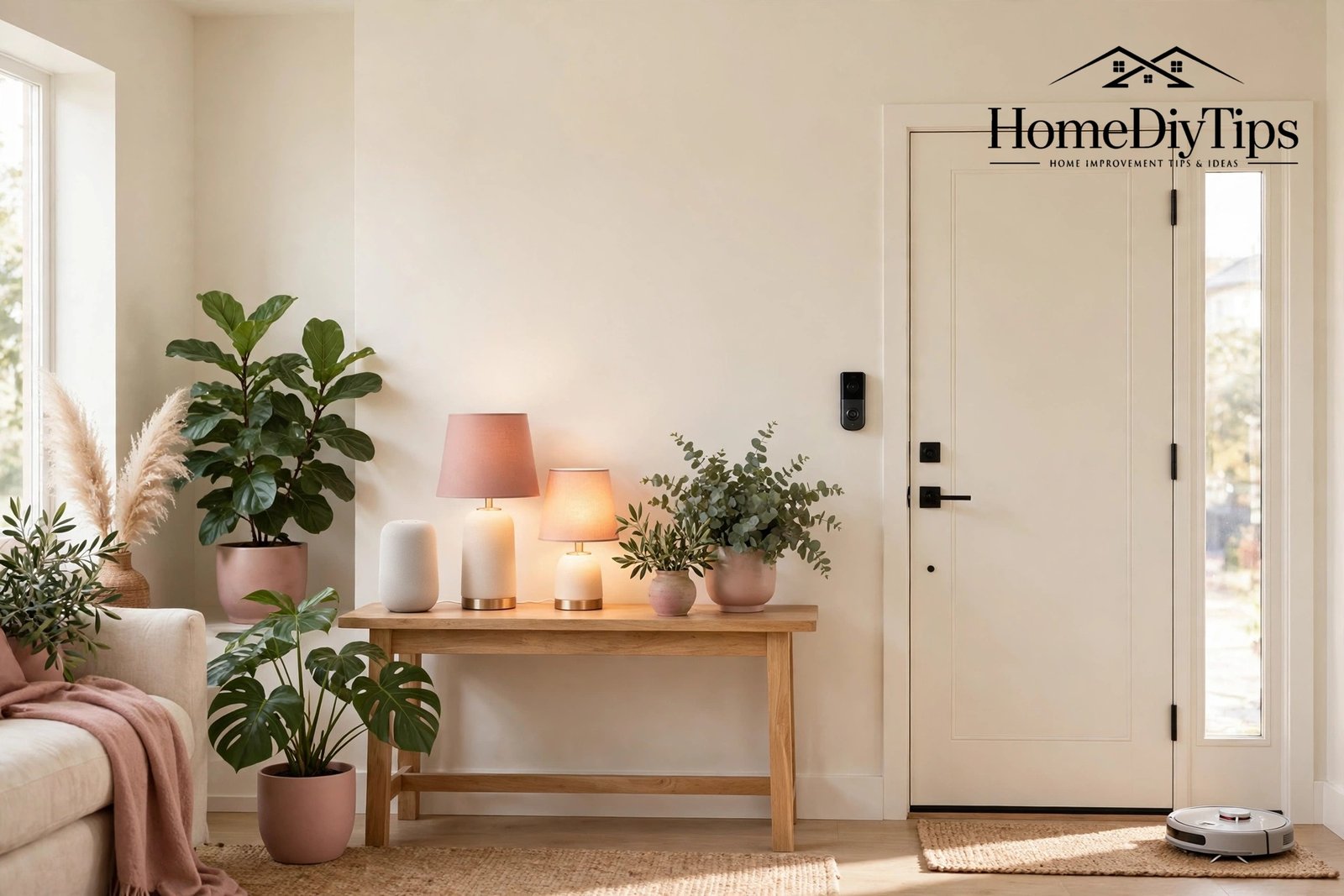
So, what are smart home devices? In simple terms, they are everyday household gadgets — bulbs, plugs, locks, thermostats, cameras and speakers — with Wi-Fi and a small computer chip added, so you can control them from your phone or with your voice. A smart bulb is still a bulb; it simply also listens for instructions. A smart lock is still a lock; it simply also accepts a code or a phone tap instead of only a key.
The point of adding that intelligence is convenience, comfort, safety and saving energy. Lights that switch themselves off, heating that warms the house before you arrive, a doorbell that shows visitors on your phone — these are not futuristic luxuries any more. They are affordable, ordinary products, and this guide explains each type in plain language, how they work, what they cost, and which ones make sense first.
What Makes a Device “Smart”?
Three things turn an ordinary gadget into a smart one. First, it connects, usually to your home Wi-Fi, so it can send and receive information. Second, it can be controlled remotely, from an app on your phone or by a voice command to a speaker. Third, it can follow rules, such as switching on at sunset or turning down when nobody is home.

The Three Parts of Every Smart Device
Every smart device has the same three parts working together. The hardware is the physical gadget itself: the bulb, the lock, the camera. The software is the app on your phone and the voice assistant that understands your commands. The connection is the Wi-Fi or wireless link between them. When a device misbehaves, the problem is almost always in one of these three parts, which makes troubleshooting much less mysterious than it first appears.
Smart Lighting and Plugs: The Easiest Start
Smart lighting is where most people begin, and for good reason. A smart bulb screws into an ordinary lamp, connects to your Wi-Fi, and then responds to your phone or voice. You can dim it, change its colour, set it to fade on at sunset, or switch it off from bed. Smart light strips add the same magic under kitchen cabinets, behind televisions or along shelves.
Smart plugs are equally simple and even more versatile. Plug one into a wall socket, plug an ordinary lamp, fan or coffee maker into it, and that appliance becomes voice-controlled. Plugs are also the cheapest smart devices, so they are a low-risk way to learn how the whole system works before spending more.
Bulbs or Switches: Which Is Better?
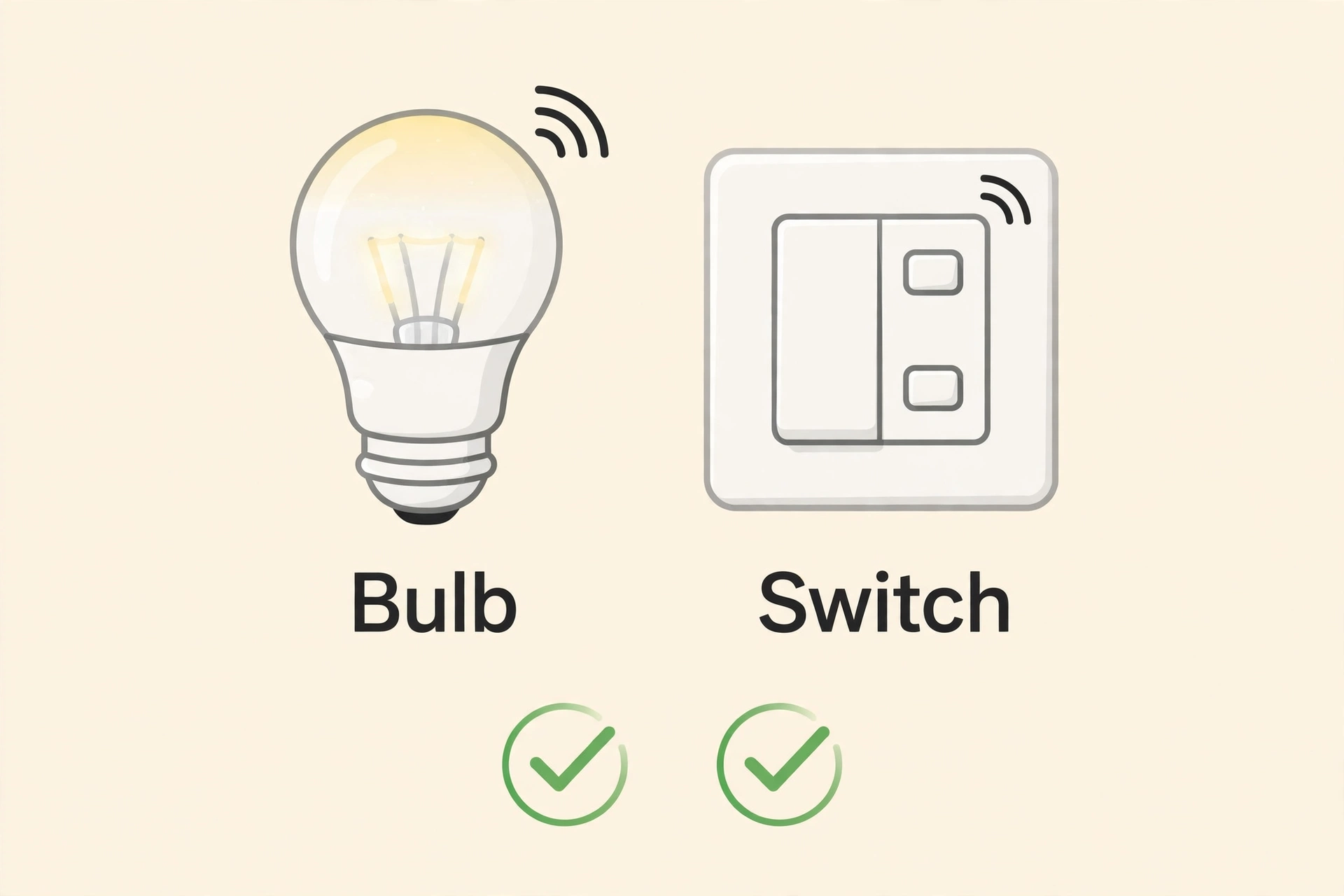
Beginners usually start with bulbs, because they need no wiring changes and can move from room to room. Smart switches replace the wall switch itself, so they control every bulb on that circuit, including ordinary bulbs, and they keep working even when someone uses the switch. Switches are the better long-term choice for a main room, but they may need an electrician, so bulbs are the friendlier first step.
One practical warning applies to both: a smart bulb only works when its switch stays on, since switching it off cuts its power. Households solve this with switch guards, smart switches, or simply a new habit. Once everyone learns to leave the switch on and use voice or app instead, the problem quietly disappears.
Smart lighting also changes how a room feels, and it shows off a well-decorated room beautifully. Warm dim light in the evening makes even a modest living room feel cosy and intentional. If your main room needs a refresh to match its new glow, our guide to living room decor ideas that actually work offers simple, practical changes.
Smart Heating and Energy Devices
A smart thermostat replaces your ordinary heating control and learns from your routine. It turns the heating down when the house is empty, warms it before you return, and shows your energy use in the app so you can spot waste. Many households find it pays for itself within a year or two through lower bills, which makes it one of the few smart devices that earns money back.
Saving energy with smart heating pairs naturally with greener choices elsewhere in the home. Efficient bulbs, plugs that cut standby power, and simple product swaps all push in the same direction. For practical ideas that do not cost much, see our guide to the best eco-friendly products for the home, which covers the whole house.
Smart Security and Safety Devices
Security devices are the smart home’s most reassuring category. A video doorbell lets you see and speak to visitors from your phone, wherever you are. A smart lock lets you lock up from bed, share a temporary code with a guest, and check the door from anywhere. Indoor and outdoor cameras watch over entry points, and smart smoke and carbon monoxide alarms alert your phone as well as sounding in the house.

Sensors are the unsung heroes of this category. Door and window sensors tell you when something opens. Motion sensors trigger lights or cameras. Water-leak sensors under sinks and washing machines warn you before a small leak becomes a flooded floor. Each sensor is small, cheap and battery-powered, and together they form a quiet safety net.
Cameras or Sensors: Which Do You Need?
Cameras show you what happened, while sensors tell you something happened. For most homes, sensors are the better first purchase: they are cheaper, use less power, raise fewer privacy questions, and trigger useful automations, such as lights switching on when a door opens at night. Add cameras later for the entry points that matter most, such as the front door and driveway, and keep them out of bedrooms and bathrooms entirely.
Smart Speakers, Displays and Robot Helpers
Smart speakers are the control centres of the smart home. They play music, answer questions, set timers, read the news and, most importantly, pass your voice commands to every other device. A smart display adds a small screen, which is handy for seeing a doorbell camera, following a recipe in the kitchen, or making a video call to family.

Robot helpers are the category that surprises newcomers most. Robot vacuum cleaners map your floors and clean on a schedule, returning to their dock to charge by themselves. Robot mops do the same for hard floors. Smart washing machines and dishwashers can be started from your phone or set to run when electricity is cheapest. None of these replace a proper deep clean, but they keep daily dirt under control with almost no effort.
Robot Helpers and Their Limits
Robot vacuums are excellent at daily maintenance on open floors, but they struggle with cluttered rooms, trailing cables and thick rugs, and they cannot clean stairs or upholstery. Think of them as a helpful assistant, not a replacement for your main vacuum. Clearing the floor before a robot run, and running it on a schedule, gets the best results from it.
Building that rhythm is easier than it sounds. A small set of weekly tasks, done in the same order each week, keeps the house ready for its robot helpers and its human ones alike. Our guide to the weekly routine that actually sticks shows how to build one that survives busy weeks.
Outdoor and Garden Smart Devices
Smart technology does not stop at the front door. Outdoor smart lights, switched on at dusk and off at bedtime, make paths safer and deter intruders. Smart plugs rated for outdoor use can control garden lighting or a water feature. A weatherproof camera over the driveway or back garden extends your security to the whole property.

Garden devices are a growing favourite. A smart irrigation controller waters according to the weather forecast, skipping rainy days and watering deeply when dry, which saves water and keeps plants healthier. Soil moisture sensors tell you which beds actually need water, instead of guessing. For balconies and small patios, a simple smart plug on a small water pump can automate watering for pots.
Outdoor devices need weatherproof ratings, so check for an IP rating on the box: IP44 handles rain splashes, while higher ratings handle harsher exposure. Also check the Wi-Fi signal outside before buying, since walls and distance weaken it badly. A small extender near the back door often solves the problem.
A smart garden is especially rewarding for container growers, because pots dry out fast and benefit most from regular watering. If you grow herbs or vegetables in containers, our guide to balcony gardening for a small space and a big harvest pairs well with a smart watering setup.
Choosing Your First Device Wisely
With so many types available, the wisest first device is the one that solves your most annoying daily problem. If you always leave lights on, buy a smart bulb. If you worry about the front door, buy a video doorbell. If your bills are high, buy a smart thermostat. A device bought for a real problem gets used daily; a device bought because it looked clever gathers dust.
Before buying, run through a short checklist. Does it work with your voice assistant? Does it need a hub, or does it connect by Wi-Fi? Is there a monthly cost for its features? Does it suit your home, for example a rented flat or an older house? And can you return it easily if it does not suit you? Five minutes of checking saves hours of frustration.
Questions to Ask Before You Buy
- Compatibility: Does it carry the “Works with” label for your assistant?
- Connection: Wi-Fi, or does it need a hub for Zigbee, Z-Wave or Thread?
- Running costs: Is there a monthly plan for video storage or extra features?
- Your home: Rented, older wiring, thick walls, weak Wi-Fi in far rooms?
- Privacy: Where do cameras and microphones go, and who can view them?
- Support: Is the brand established, with regular software updates?
Finally, buy from established brands with a record of security updates, especially for cameras and locks. Cheap no-name devices often lack proper update support, and a device that stops receiving updates becomes a security risk over time. Spending a little more on a trusted brand is usually the cheaper choice in the long run.
And remember the simplest advice of all: start small. One speaker, one bulb, one plug, used daily for two weeks, teaches you more about smart homes than any buying guide. From there, every new device is an easy, confident choice, and your home grows smarter at exactly your pace.
A smarter home is also a home that shows itself off, and small decor upgrades can make new devices feel like part of the design rather than gadgets stuck on afterwards. A new shelf for the speaker or a tidy cable cover goes a long way towards that finished look.
| Device Type | What It Does | Best First Buy? |
|---|---|---|
| Smart speaker | Voice control, music, timers, answers | Yes — the control centre |
| Smart bulb | Dimming, colour, schedules by voice | Yes — easy and fun |
| Smart plug | Makes any appliance voice-controlled | Yes — cheapest start |
| Smart thermostat | Learns routine, saves heating energy | Second step — pays for itself |
| Video doorbell | See and speak to visitors anywhere | Second step — best security start |
| Smart lock | Keyless entry, temporary guest codes | Later — check door compatibility |
| Robot vacuum | Daily floor cleaning on a schedule | Later — great once basics work |
Frequently Asked Questions
What are smart home devices in simple terms?
They are ordinary home gadgets with Wi-Fi and a small computer chip added, so you can control them from your phone or with your voice. A smart bulb is still a bulb, a smart lock is still a lock — they simply also accept remote instructions and follow schedules you set.
Do smart home devices need the internet to work?
Most need the internet for voice control and remote access, so phone commands will not work during an outage. However, basic functions still work: wall switches still switch, bulbs still light, and locks still open with a code or key. Hub-based devices often keep working locally without the internet too.
Are smart home devices safe and private?
They are as safe as the habits around them. Use strong unique passwords, turn on two-factor authentication, keep software updated, and buy from established brands. For privacy, check camera and microphone settings, keep cameras out of private rooms, and use mute buttons when you want a private conversation.
How much do smart home devices cost?
Smart plugs and bulbs cost very little, smart speakers are affordable, and thermostats, doorbells and locks cost more but last for years. A starter set of one speaker, one bulb and one plug is inexpensive, and you can expand gradually. Watch for monthly plans on cameras, which add to the long-term cost.
Can smart home devices work in a rented home?
Yes. Bulbs, plugs, speakers, battery cameras and stick-on sensors need no drilling or rewiring and move with you. Keep the original fittings in a labelled box so you can restore the home at the end of your tenancy, and check your agreement before sticking anything to walls.
Setting Up a Smart Home: The Complete Checklist
[…] reading: What Are Smart Home Devices? A Beginner’s Guide and Making Your House a Smart Home: Room-by-Room […]
How to Get Started with Smart Home: Your First Setup
[…] reading: What Are Smart Home Devices? A Beginner’s Guide and How to Integrate Smart Technology into Your […]