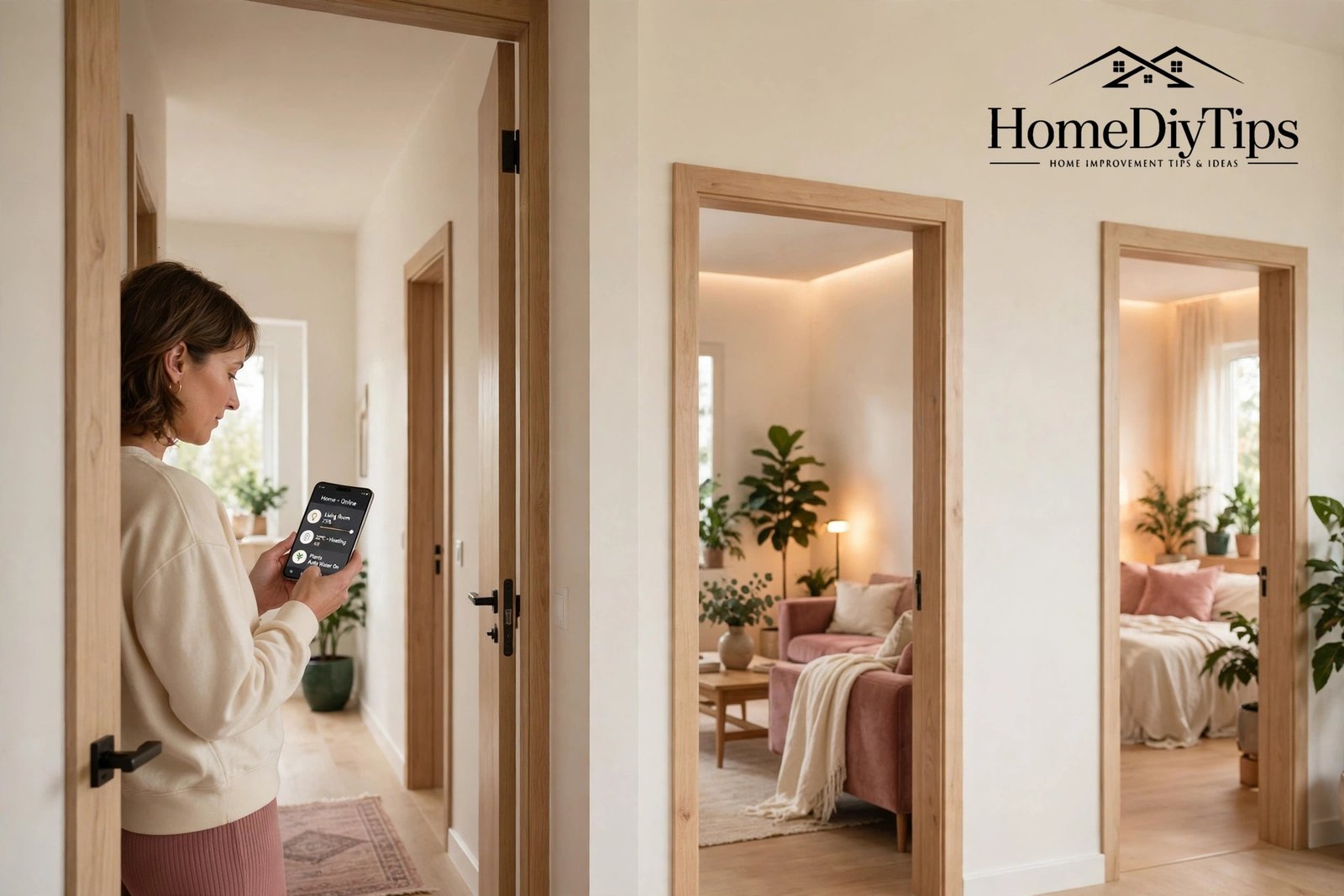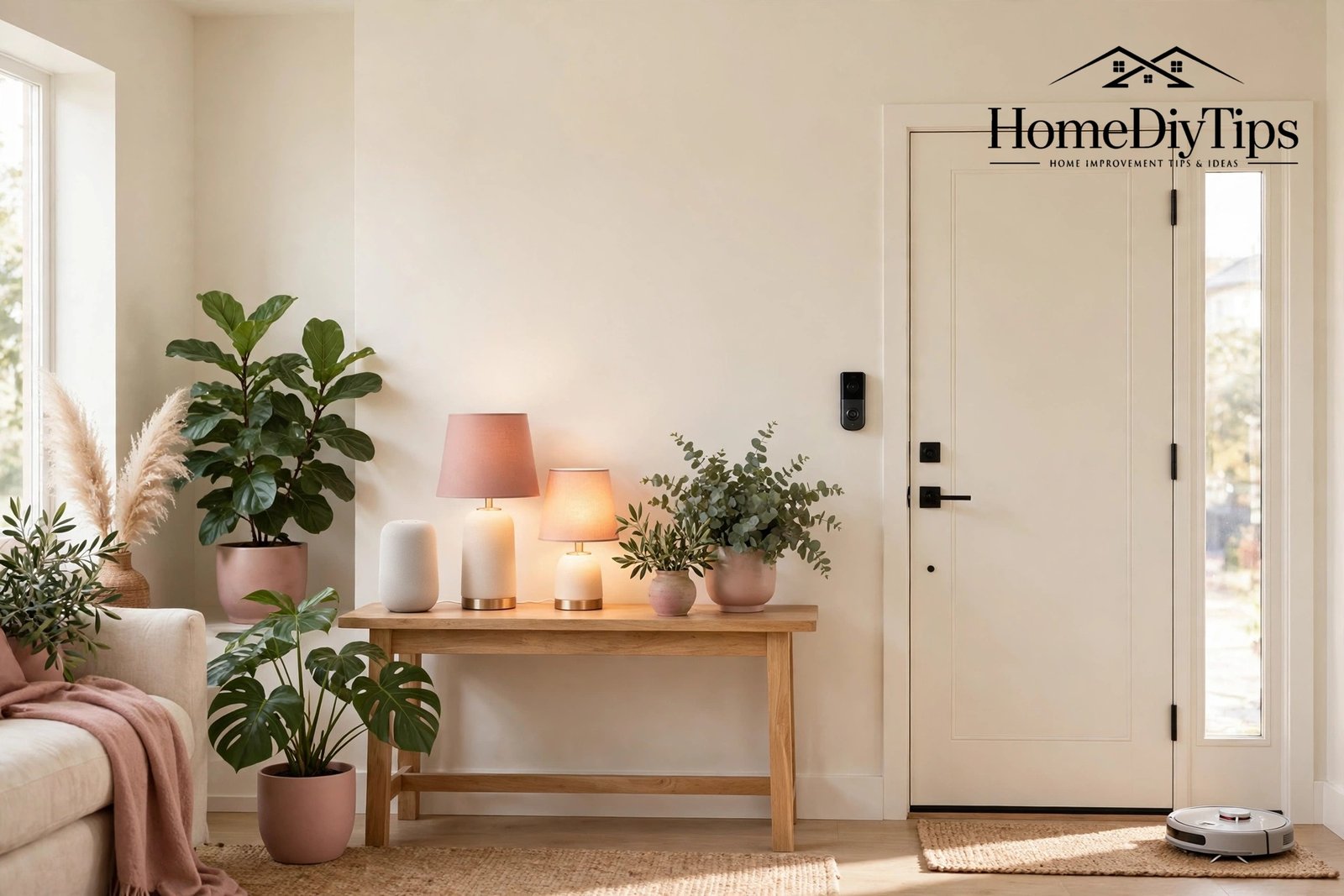
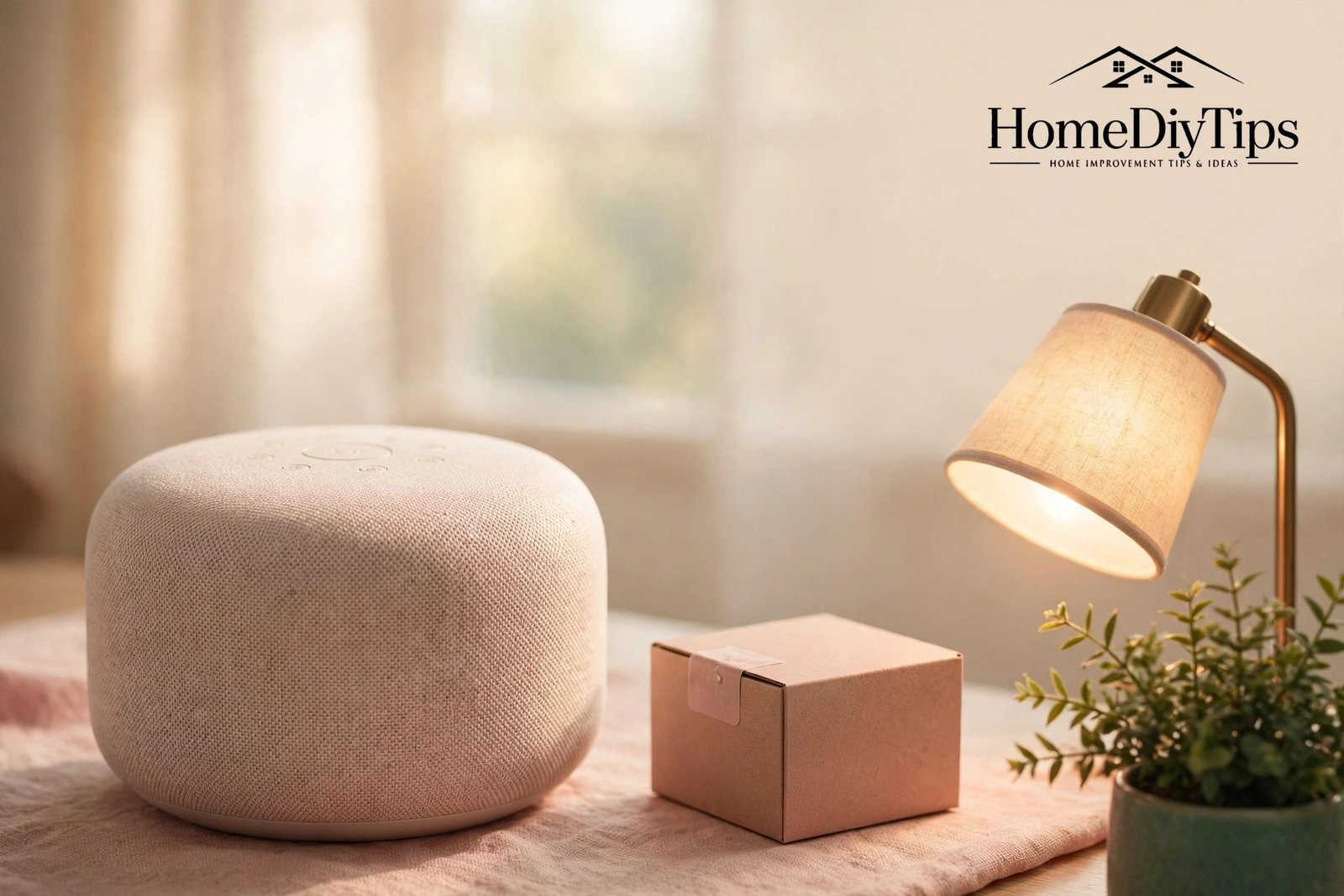
If you want to get started with smart home technology but feel unsure where to begin, you are in good company. Most people imagine tangled wires, expensive gadgets and hours of confusing setup. The reality is far simpler: a first setup needs one smart speaker, one smart bulb and one smart plug, and the whole thing can be running within a single relaxed afternoon.
This guide is written for the absolute beginner. It covers what to buy, what to skip for now, how to set each device up step by step, what to do in your first week, and how to fix the small problems that trip up most newcomers. By the end of the weekend, your home will respond to your voice, and you will know exactly what to add next.
Before You Buy Anything: Three Quick Checks
Three checks take five minutes and prevent most beginner frustration. First, check your Wi-Fi. Stand in the room where your speaker will live, open a video on your phone, and see whether it plays smoothly. If it buffers badly there, fix the Wi-Fi first with a better router position or a small extender, because every smart device will struggle in that spot.
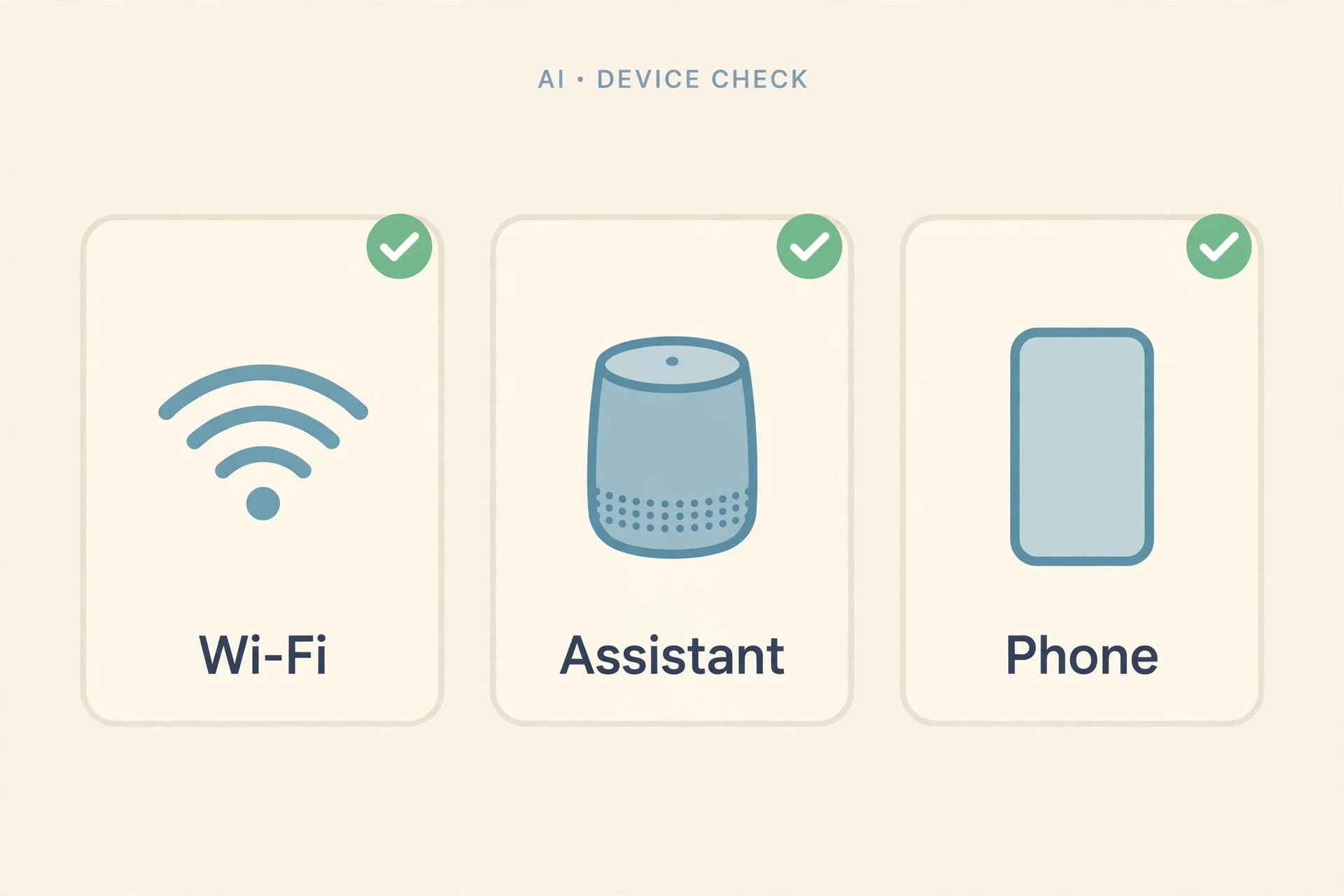
Second, decide which voice assistant your household will use. If you have an Android phone, Google Assistant is the natural choice. If you already own an Echo or a Fire device, Alexa fits best. Apple households should choose Siri with HomeKit. Pick one, and make sure everything you buy works with it. That single decision is the backbone of your whole setup.
Third, check your phone. Smart home setup happens through apps, so make sure your phone is charged, updated and connected to your home Wi-Fi, not mobile data. Keep your Wi-Fi password handy too, since every device setup asks for it. A sticky note with the password, kept somewhere safe, saves a surprising amount of time.
Your First Shopping List: Just Three Devices
Resist the urge to buy a box full of gadgets. Your first setup works best with exactly three devices, each teaching you something different. A smart speaker teaches you voice control. A smart bulb teaches you lighting control and schedules. A smart plug teaches you how to automate an ordinary appliance. Together they cover the whole smart home idea in miniature.

Choose a speaker from your chosen assistant’s range, in the standard size rather than the cheapest mini or the largest premium model. The standard speaker sounds good enough for music and hears commands clearly across a room. For the bulb, pick a colour-changing bulb for a living room or bedroom lamp, since colour makes the fun obvious straight away. For the plug, choose one rated for the appliance you plan to use it with, and check it fits your socket without blocking the neighbouring one.
What Not to Buy Yet
Hold off on cameras, locks, thermostats and sensors for now. They are wonderful later additions, but each one adds setup complexity, and a frustrated first weekend puts many people off for good. The same goes for a hub: skip it until a device you actually want requires one. Your first weekend should feel like a success, not a technical exam.
Also skip multi-packs and whole-house bulb sets until you know which brand and app you like. One bulb you love is worth more than ten bulbs you regret. Buy singles, learn what you like, and then buy more with confidence. Your wallet will thank you, and so will your patience.
Setting Up Your Smart Speaker First
Start with the speaker, because it becomes the control centre for everything else. Place it in the room you use most, on a clear surface at about waist height or above, away from the television and away from corners that muffle sound. Plug it in and wait for it to greet you, which usually takes under a minute.
Open the assistant’s app on your phone and follow the setup prompts. The app will find the speaker, ask for your Wi-Fi details, and invite you to sign in to your assistant account. Speak clearly during the voice test, and answer the few setup questions honestly, such as your location for weather and time. The whole process usually takes ten minutes.
Test the speaker right away with simple commands. Ask for the weather, set a timer for one minute, and play a song. If all three work, your foundation is solid. If the speaker mishears you, move it a little further from the television or a noisy appliance, and try again. Small placement changes often fix hearing problems completely.
Your speaker will quickly become part of the room, so give it a tidy home. A clear shelf or side table, free of clutter, helps it hear you and keeps the room looking calm. If the room could use a small refresh, our guide to living room decor ideas that actually work has simple ideas that make any main room feel more settled.
Connecting Your First Bulb and Plug
With the speaker working, add the bulb next. Screw it into a lamp, switch the lamp on, and open the bulb maker’s app. The app will guide you through connecting the bulb to your Wi-Fi, which takes a few minutes. Then link the bulb maker’s account to your assistant’s app, so the speaker can control it. This linking step is the one beginners most often forget, and without it, voice control will not work.
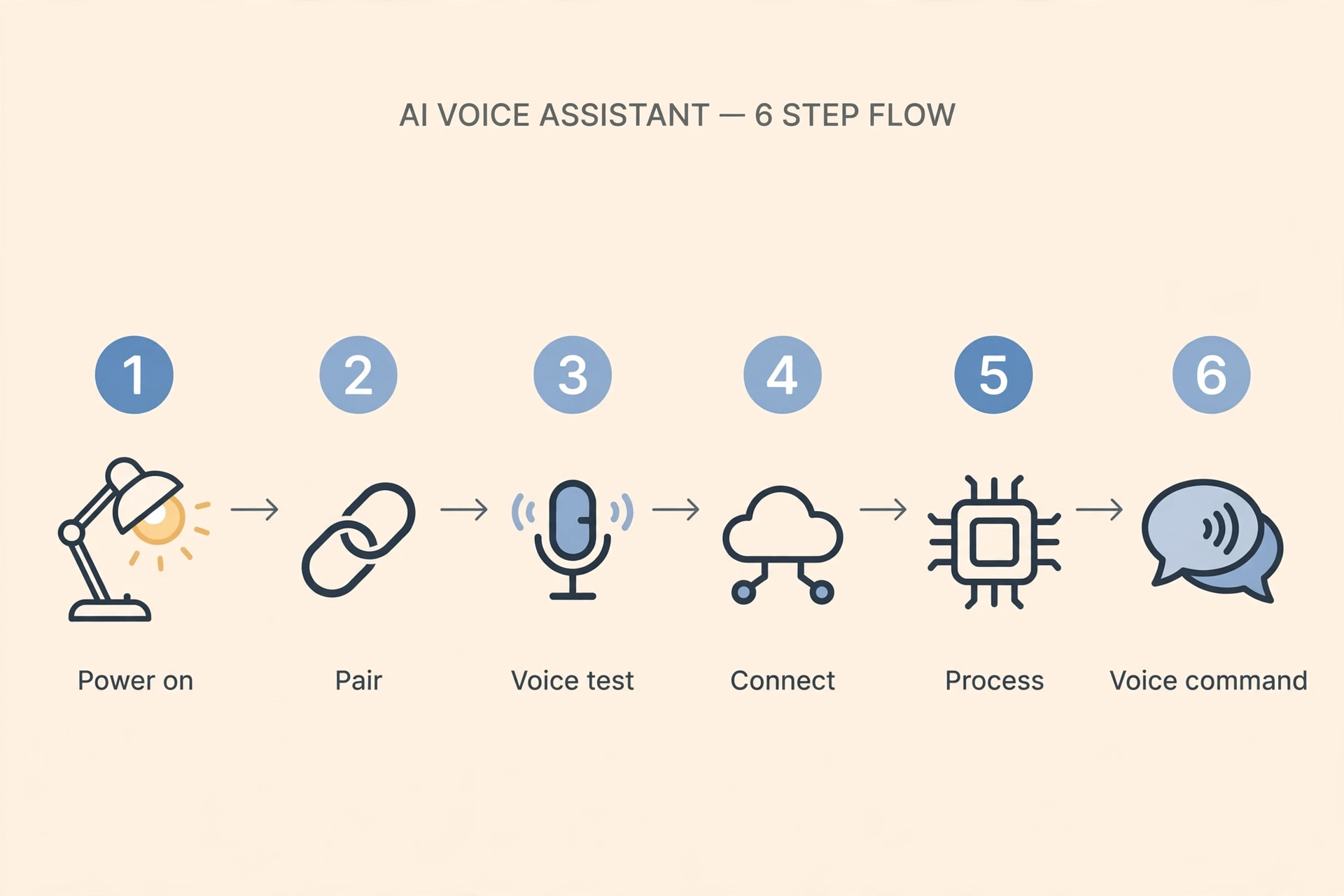
Now try the magic moment: say the command to switch the bulb on and off, dim it, and change its colour. If it works, you have just built a working smart home. Set a simple schedule too, such as the lamp switching on at sunset and off at bedtime, and you will feel the benefit every single evening without lifting a finger.
Setup Steps for Bulbs and Plugs
- Power on: Screw in the bulb or plug in the smart plug, and switch the socket or lamp on.
- Open the maker’s app: Create an account if needed, then tap “add device” and pick the device type.
- Join the Wi-Fi: Enter your Wi-Fi password carefully, and keep the phone near the device during pairing.
- Link to your assistant: In your assistant’s app, link the maker’s account so voice control works.
- Name it clearly: Call it “living room lamp” or “bedroom fan”, not “device 1”, so voice commands feel natural.
- Test by voice: Try on, off and dim before moving on, and fix problems now, not later.
Your First Week: Building the Habit
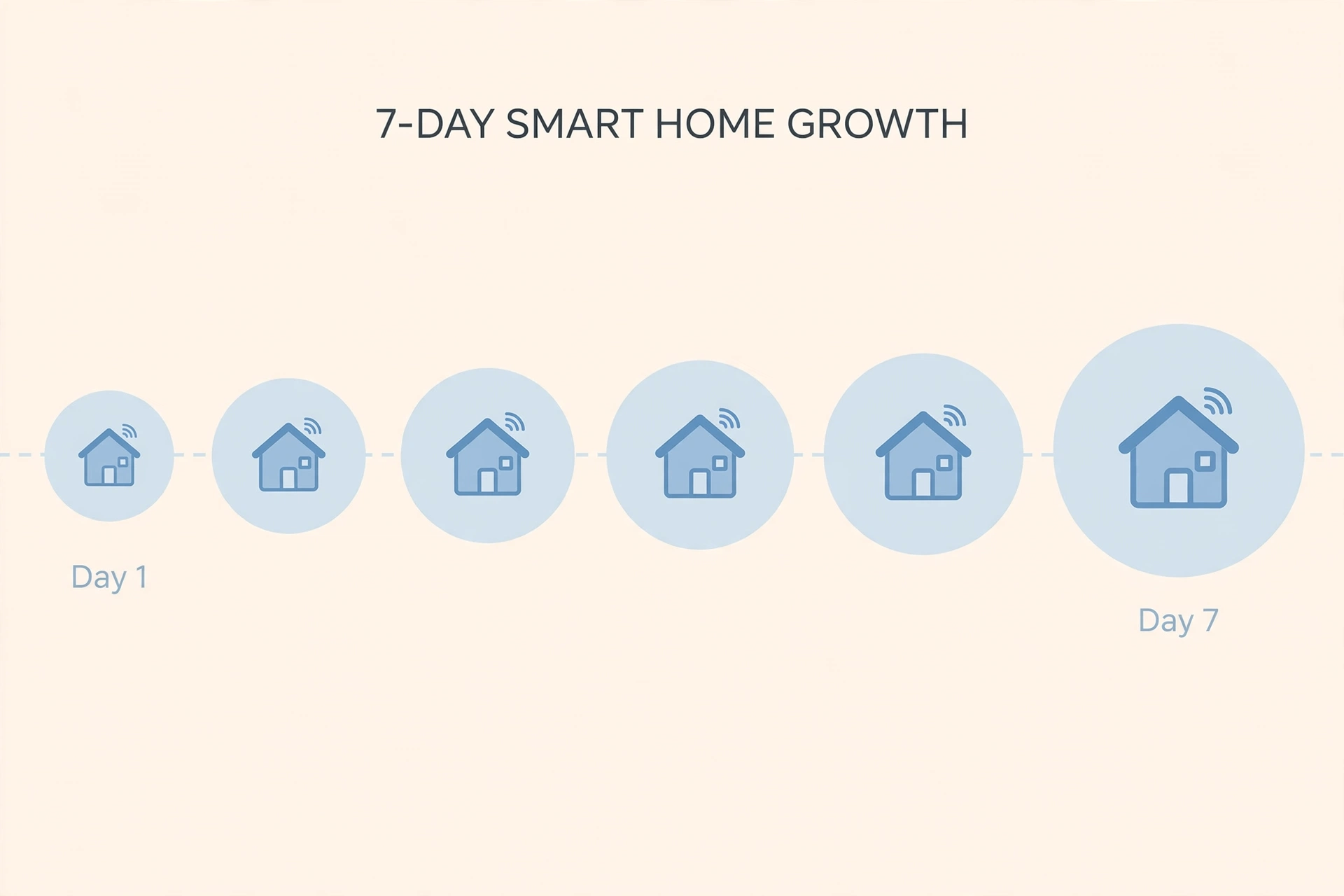
The first week is about habit, not hardware. Use voice commands every day, even when the switch is closer, so the habit forms. Notice which commands you actually use and which ones you forget. The ones you use daily are the clue to your next purchase; the ones you forget are a sign that device was not needed yet.
A Simple First-Week Plan
- Day 1: Set up the speaker, bulb and plug. Test every command twice.
- Day 2: Set one schedule, such as the lamp on at sunset.
- Day 3: Teach the household the key voice commands.
- Day 4: Try a routine, such as “good night” switching everything off.
- Day 5: Move the plug to a different appliance and see what you prefer.
- Day 6: Review what you used most and note your next device idea.
- Day 7: Relax and enjoy it. A working smart home should feel effortless by now.
Keeping the house tidy during this first week makes the new gadgets easier to enjoy. Cables, boxes and packaging from the new devices should be cleared away promptly, and a simple weekly tidy keeps the speaker’s shelf dust-free so it hears clearly. A steady rhythm like the one in our guide to the weekly routine that actually sticks pairs nicely with a new smart home habit.
Fixing the First Problems You Will Meet
Almost every beginner meets the same three problems, and all three have simple fixes. The first is a device that will not connect. Usually the phone is on mobile data instead of Wi-Fi, the password was mistyped, or the device is too far from the router. Move closer, double-check the password, and try again.
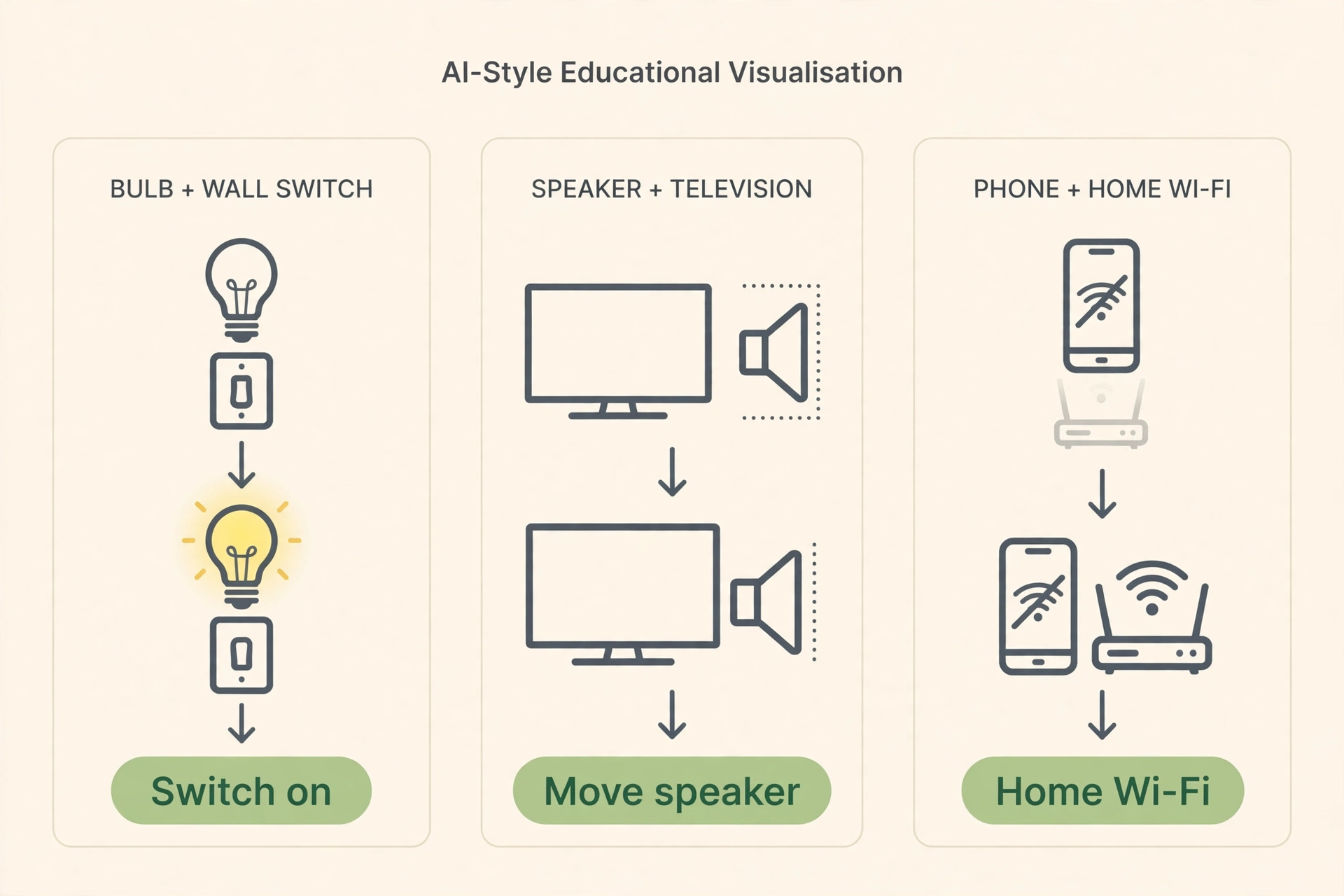
The second is a bulb that stops responding. Nine times out of ten, someone switched it off at the wall, cutting its power. Switch it back on and it reconnects by itself within a minute. A small note by the switch, or a switch guard, prevents repeat offences while the household learns.
The third is a speaker that mishears commands. Move it away from the television, a fan or a noisy kitchen appliance, and speak at a normal volume from within the same room. Shouting from two rooms away rarely works well, and neither does whispering from the sofa with the television blaring.
| Problem | Likely Cause | Quick Fix |
|---|---|---|
| Device will not connect | Wrong network or mistyped password | Join home Wi-Fi, re-enter the password, move closer to the router |
| Bulb stops responding | Switched off at the wall | Switch it back on, wait a minute, add a switch guard |
| Speaker mishears you | Background noise or bad placement | Move away from the TV, speak from the same room |
| Voice control does not work | Maker account not linked to assistant | Link the account in the assistant app and retry |
| Schedule runs at the wrong time | Wrong time zone in the app | Check the location and time zone settings |
When to Expand — and What to Add Next
You are ready to expand when your first three devices work without thinking for two full weeks. That is the sign the foundation is solid. The most popular next steps are a second bulb or plug for another room, a video doorbell for security, or a smart thermostat for comfort and energy savings. Pick the one that solves your next biggest daily annoyance.
Signs You Are Ready for More
You use voice commands daily without thinking about them. Guests can operate your lights without a tutorial. Your schedules run correctly for a full week. And, most importantly, you can name the exact annoyance your next device will fix. If you cannot name it, wait. The best smart home grows from real needs, not from sale offers.
As your home gets smarter, it is worth thinking about the greener side too. Devices that switch themselves off save energy, and choosing efficient products elsewhere in the house adds to the saving. For simple, practical swaps that work alongside a smart setup, see our guide to the best eco-friendly products for the home.
One last piece of encouragement: nobody’s first setup is perfect, and nobody needs it to be. A speaker, a bulb and a plug, working reliably, is a genuine smart home. Everything after that is simply more of a good thing, added at your own pace.
And if your first smart purchase is a robot vacuum for the floors, remember that smart cleaning still needs a deeper clean sometimes. Our guide to carpet cleaning with a steam cleaner explains what a deep clean can do that a daily robot pass cannot.
Frequently Asked Questions
How much money do I need to get started with smart home tech?
Very little. One standard smart speaker, one colour smart bulb and one smart plug usually cost less than a night out. Start with those three, learn what you like, and expand gradually. The expensive setups you see online grew over years, not weekends.
Do I need any technical skills for my first setup?
No. If you can install an app and connect to Wi-Fi, you can set up a smart home. The apps guide you step by step, and the most common problems are simple ones like a mistyped password or a switch turned off at the wall. There is no wiring and no coding involved.
Which voice assistant should a beginner choose?
Choose the one that matches the phones and devices you already own: Google Assistant for Android households, Alexa if you already have Echo devices, and Siri with HomeKit for Apple households. The best assistant is the one your family will actually use, not the one with the longest feature list.
What if my Wi-Fi is weak in some rooms?
Fix the Wi-Fi before buying more devices. Move the router to a central, open spot, or add a mesh system or extender for far rooms. Smart devices are only as reliable as the network they run on, and a small Wi-Fi upgrade improves everything, including phones and laptops.
Can I take my smart home with me if I move house?
Yes, almost entirely. Speakers, bulbs, plugs and battery devices pack up and move with you, and setting them up in a new home takes an afternoon since you already know the process. Just keep the original fittings to restore a rented home, and update your address and Wi-Fi details in each app.