
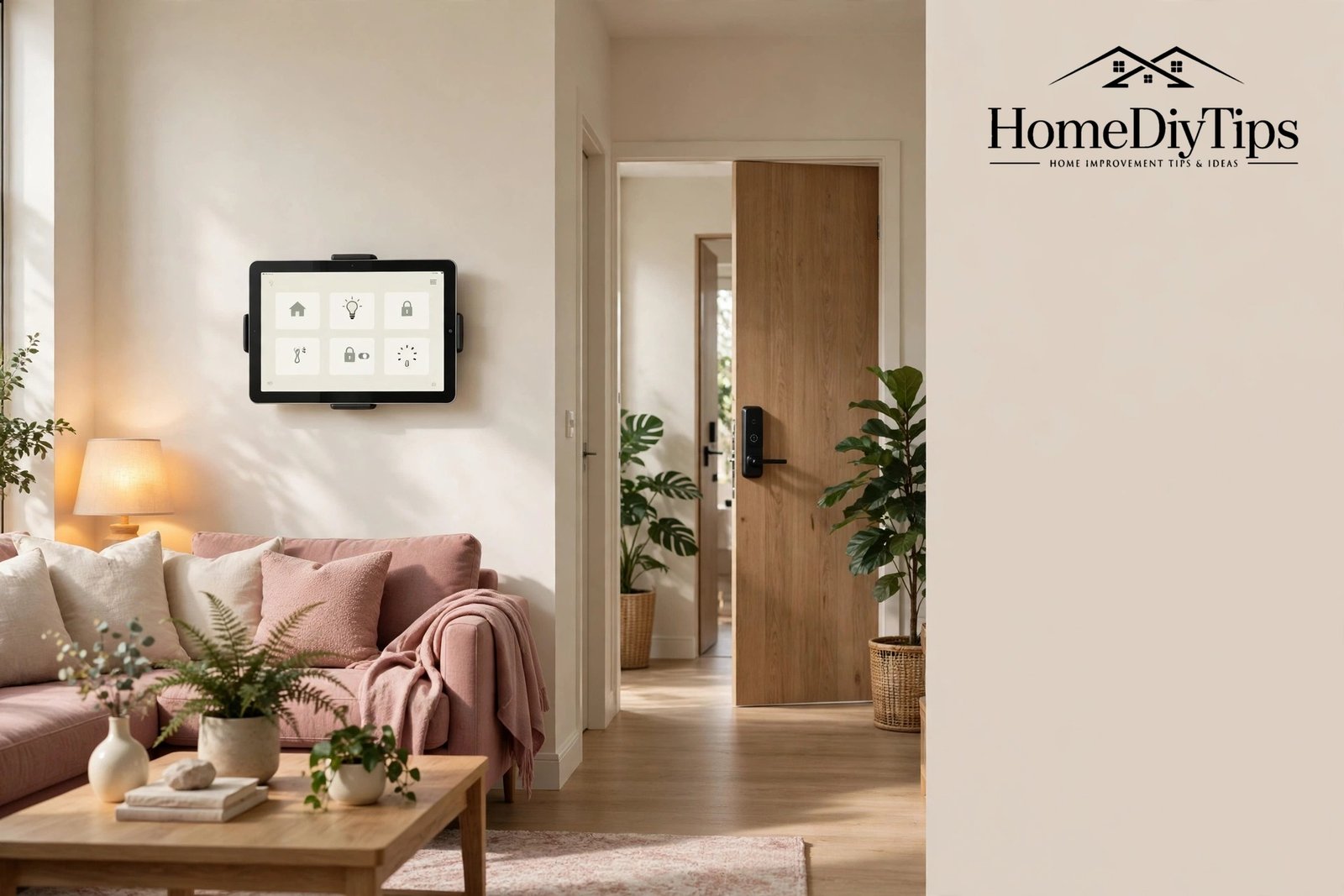
To integrate smart technology into your home properly means more than buying a few connected gadgets. Integration is what happens when those gadgets stop acting like separate toys and start working as one system: the door locks when the lights go out, the heating drops when everyone leaves, and a single voice command runs the whole evening routine. Without integration, you end up with ten apps, ten passwords and a lot of frustration.
The good news is that integration is easier than it used to be. New standards like Matter are making devices from different brands work together, and most voice assistants now act as a friendly front door to the whole system. This guide explains how to choose an ecosystem, understand the wireless languages devices speak, fit smart tech into an older home, and build automations that genuinely make life easier.
What Integration Really Means in a Home
Integration has three layers, and a good smart home needs all three. The first layer is connection: every device joins your home network and stays online reliably. The second layer is control: you can operate everything from one app or one voice assistant instead of juggling a different app for each brand. The third layer is automation: devices react to each other and to your routine without you touching anything at all.
Most beginners reach the first layer easily, struggle a little with the second, and never quite reach the third. That is normal. The trick is to plan for all three from the start, even if you only build the first two this month. Choosing devices that support a common standard today makes the automation layer far easier to add tomorrow.
Choose One Ecosystem and Build Around It
An ecosystem is the family of products and software that ties your devices together. The main choices are Amazon Alexa, Google Home, Apple HomeKit and Samsung SmartThings. Each one offers an app, a voice assistant (except SmartThings, which pairs with others), and a list of compatible devices. Picking one and staying loyal to it is the single most effective integration decision you will make.
Your choice should follow the devices your household already owns. Android phones and Google speakers point to Google Home. Echo speakers and Fire devices point to Alexa. iPhones, iPads and Apple TVs point to HomeKit. If your household mixes brands, SmartThings or Alexa tend to be the most flexible, since they support the widest range of third-party devices.
Understand the Wireless Languages: Wi-Fi, Zigbee, Z-Wave and Matter
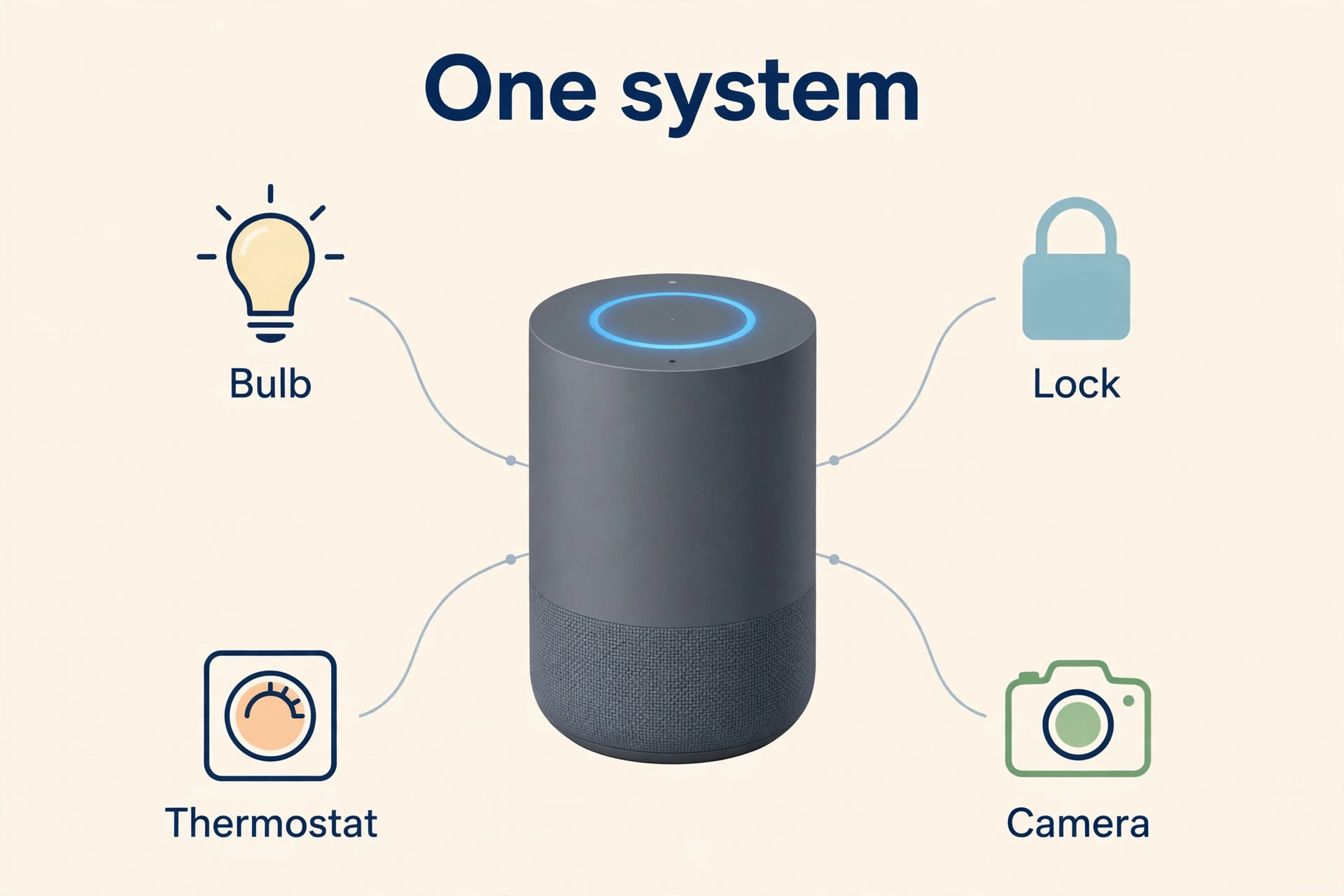
Smart devices talk to each other using wireless languages called protocols. Wi-Fi is the one you already know: it is fast, it reaches through most of the house, and it is built into your router. Most smart bulbs, plugs, cameras and speakers use Wi-Fi, and for a small home it is often all you need.
Zigbee and Z-Wave are quieter, lower-power languages used by sensors, locks, switches and battery gadgets. They sip battery power, which is why a door sensor can run for a year on a coin battery, and they form a mesh, meaning each device passes messages along to the next, extending the range through the house. The catch is that they need a hub to translate them into Wi-Fi language.
Matter and Thread Explained Simply
Matter is a newer standard designed to end the compatibility wars. A device with the Matter logo works with Alexa, Google Home, Apple HomeKit and SmartThings alike, so you no longer have to guess which ecosystem a gadget belongs to. Thread is the wireless language Matter often runs on: a low-power mesh, like Zigbee, but built for the modern smart home.
When you shop today, prefer devices with Matter support where you can, especially for lights, plugs, locks and sensors. You do not need to replace older devices that still work, but every new Matter device you add makes the whole system more flexible and more future-proof. Think of it as buying a gadget that speaks every language instead of just one.
Retrofitting Smart Tech Into an Older Home
Older homes are often the most rewarding to integrate, because they gain the most convenience, but they also bring a few quirks. Thick brick walls can weaken Wi-Fi, old wiring may lack a neutral wire that some smart switches need, and solid doors may need adapters for smart locks. None of these are deal-breakers, but each needs a quick check before you buy.
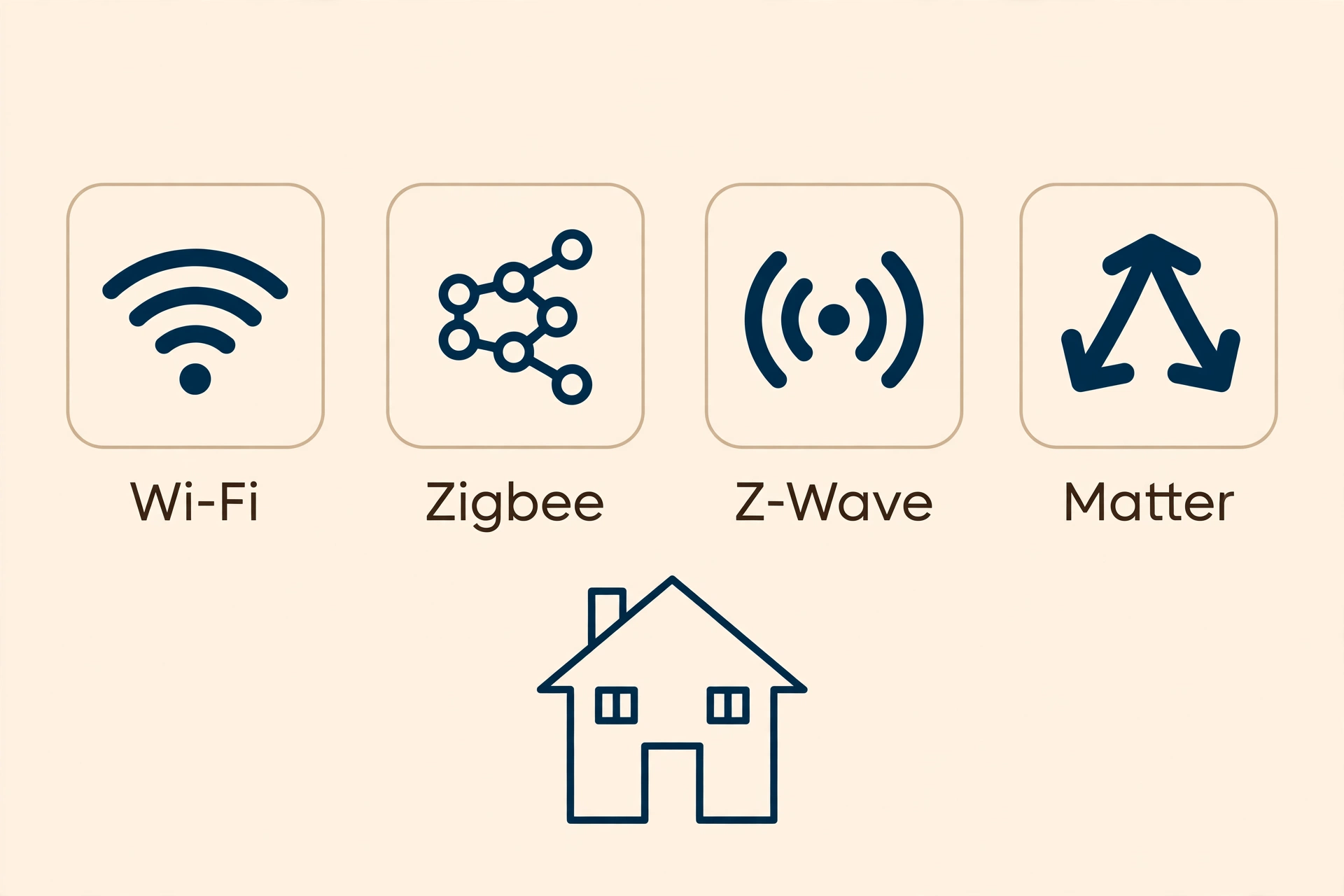
The golden rule for older homes is to retrofit without rebuilding. Smart bulbs instead of smart switches avoid wiring work entirely. Battery-powered doorbells and cameras avoid drilling through thick walls. Plug-in sensors avoid any electrical work at all. Start with the no-wiring options, and only call an electrician for the upgrades that truly need one, such as a wired doorbell or a smart switch in a room you use every day.
Old Wiring and Rented Homes
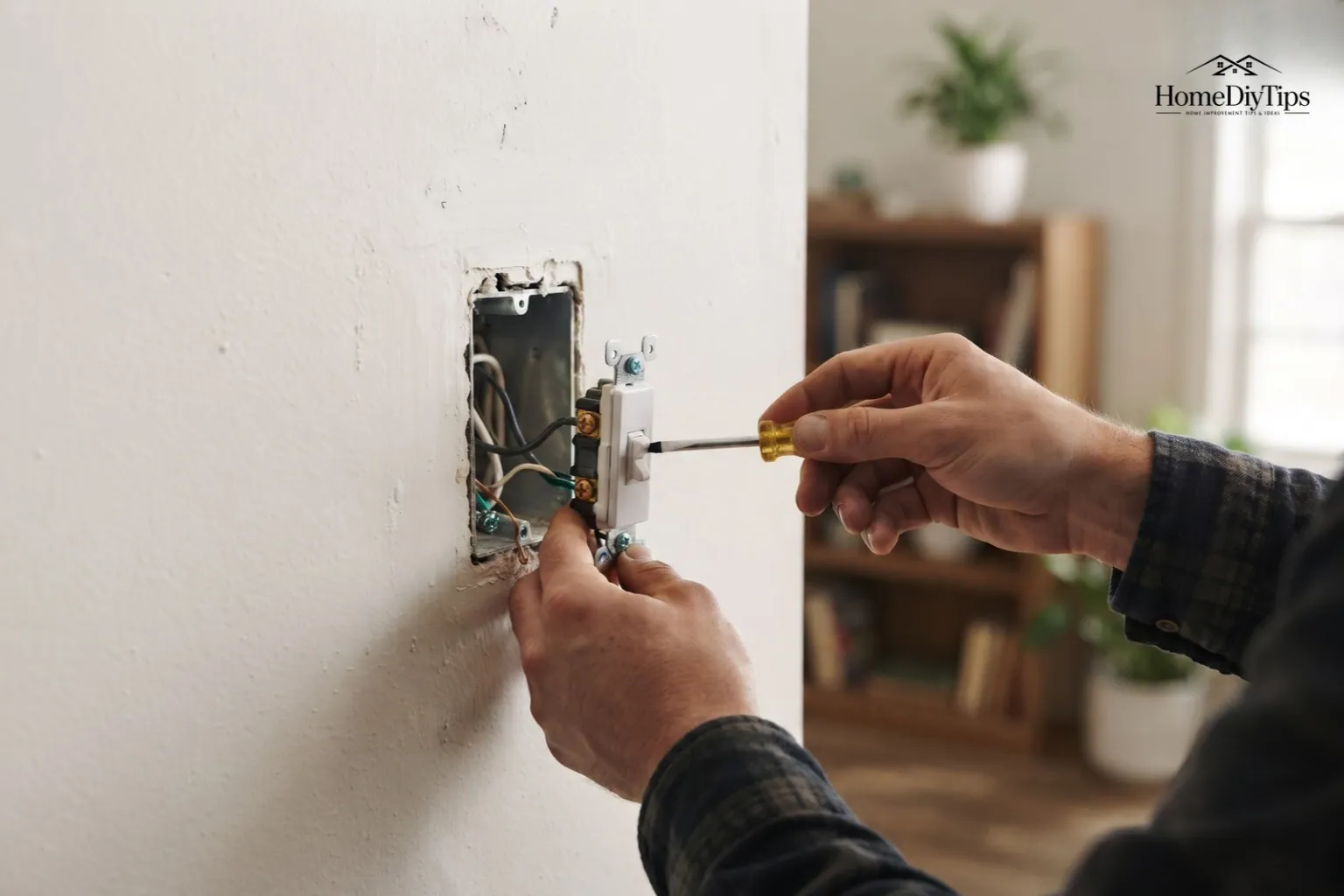
If your light switches lack a neutral wire, which is common in homes wired before the 1990s, many smart switches simply will not work. Check by switching off the power and looking inside the switch box, or ask an electrician during any other visit. If the neutral wire is missing, use smart bulbs instead, or choose one of the newer no-neutral smart switches designed for exactly this problem.
Renters can integrate almost as fully as owners. Bulbs, plugs, battery cameras, stick-on sensors and smart speakers all leave no trace when you move out. The main thing to keep is the original fittings: store the old bulbs, the old doorbell and the old lock parts in a labelled box, so restoring the home at the end of the tenancy takes an afternoon, not a weekend.
Retrofitting also gives you a chance to refresh rooms that have felt dated for years. A new lamp, a mirror or a fresh coat of paint can make a smart bulb’s warm glow look twice as good. Simple, low-cost room refreshes like these are covered in our guide to easy DIY home decor projects for every room, which pairs well with any retrofit plan.
Integrate Smart Technology into Your Home With One App
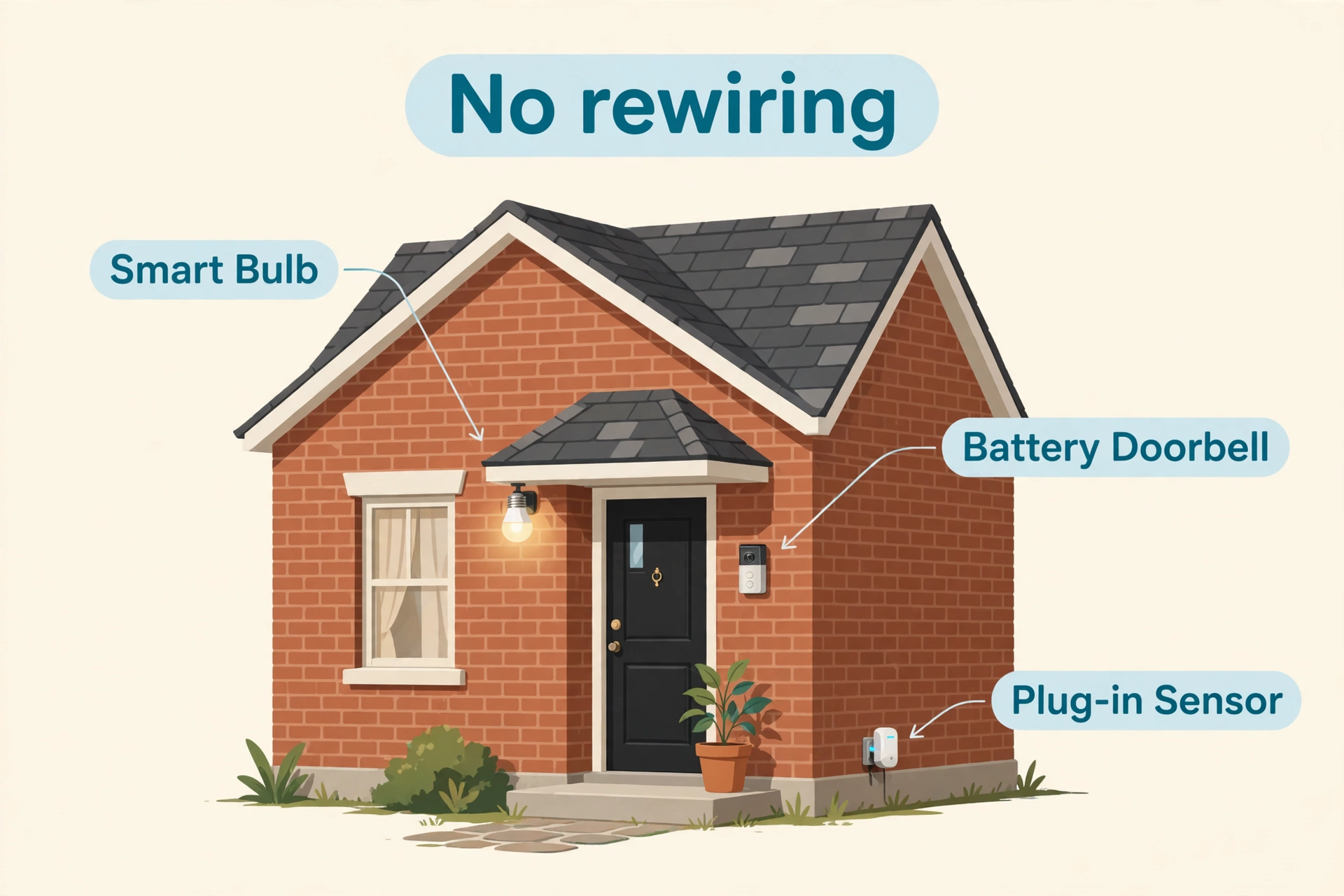
True integration shows itself when different types of device share one control point. Your assistant’s app should be able to show lights, heating, locks and cameras together, so a single glance tells you the state of the whole house. If a device only appears in its own maker’s app and never in your main app, it is not fully integrated, and you should think twice before buying more from that brand.
Linking accounts is how this happens. In your assistant’s app, find the section for linked services or Works With, sign in to each device maker’s account, and grant permission. The devices should then appear in the main app within minutes. If a device refuses to appear, check that it is on the same Wi-Fi network and the same account, since a second account or a guest network is the usual culprit.
One App or Many?
A tidy home helps a tidy system too. When devices, chargers and old gadgets pile up, it gets harder to tell what is connected and what is simply clutter. A regular clear-out, following a simple system like the one in our guide on how to clean your house fast, room by room, keeps both the house and the device list easy to manage.
Build Automations That Tie Everything Together
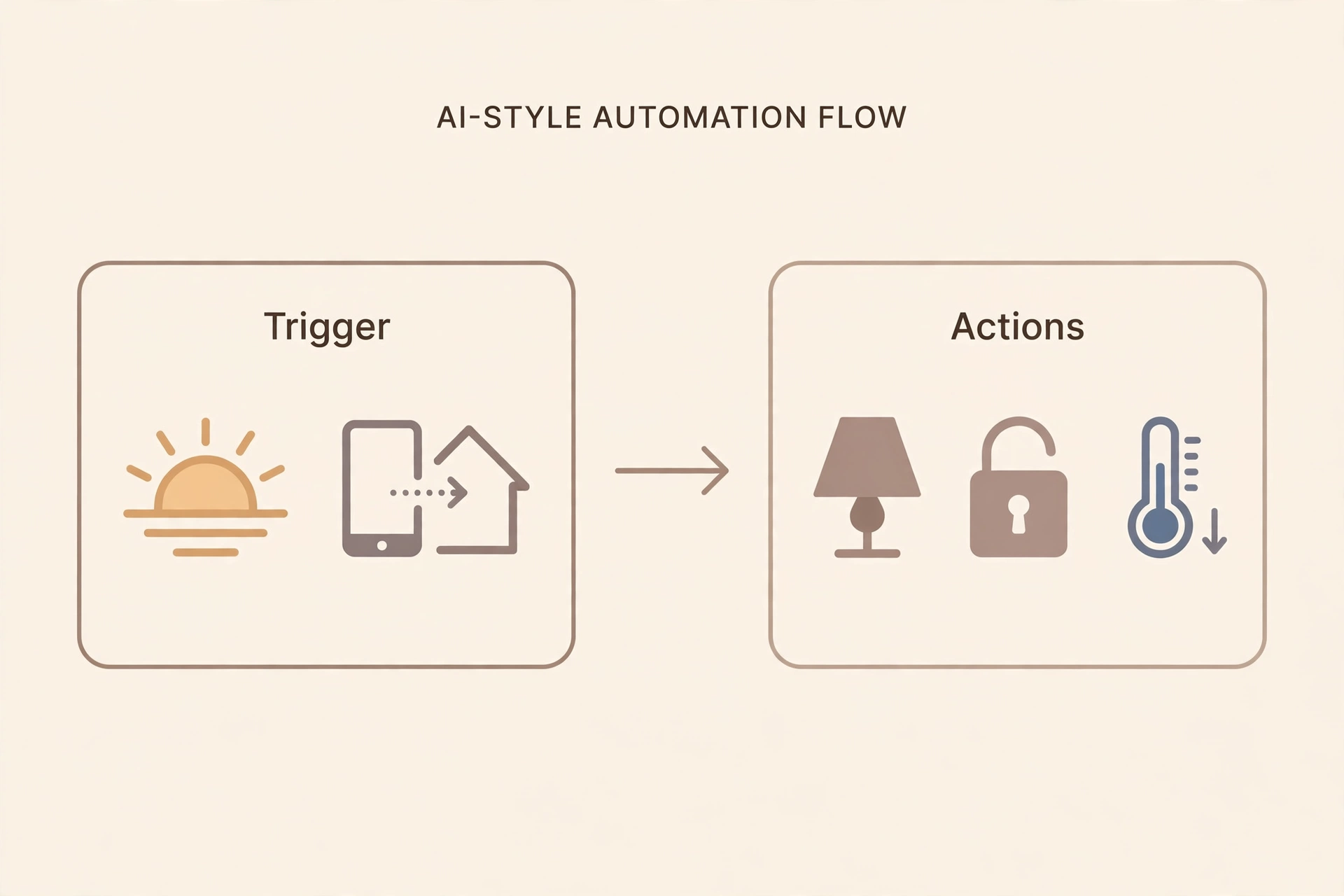
Automation is the payoff for all the integration work. An automation is a rule: when something happens, something else happens automatically. When the last person leaves home, the heating drops, the lights switch off and the cameras arm. When the doorbell rings after dark, the porch light comes on and the hallway speaker announces the visitor.
Triggers Worth Using, and Ones to Avoid
- Time of day: Reliable and easy. Use it for lights, heating and bedtime routines.
- Sunrise and sunset: Adjusts itself through the seasons. Perfect for outdoor and porch lights.
- Leaving or arriving home: Great for heating, locks and cameras, once tested for a week.
- Door and motion sensors: Excellent for hallways and entrances, but place sensors away from draughts and pets.
- Avoid: Automations that lock doors or switch off heating based on a single sensor, since one false reading can cause real trouble.
Voice, App and Physical Controls Side by Side
A well-integrated home offers three ways to control everything: voice, app and physical switch. Voice is fastest when your hands are full. The app is best for schedules, scenes and checking the house from away. Physical switches matter most, because guests, children and visitors all reach for a switch first, and a home where the switch does nothing feels broken.
Protect the physical controls deliberately. Smart bulbs need their wall switch left on, so consider switch guards or smart switches that keep power flowing while still controlling the bulb. Label any switch that behaves differently from normal, and keep at least one ordinary control in every room. Integration should add convenience, never remove the simple way of doing things.
When Voice Is Not Enough
Voice control fails in noisy rooms, late at night when others are asleep, and for anyone with a speech difficulty. That is why every important automation also needs a non-voice trigger: a button by the bed, a schedule, or a sensor. A bedside button that runs the good-night routine is one of the most appreciated devices in any integrated home, precisely because it works silently in the dark.
Integration also has a green side worth celebrating. A heating system that drops when nobody is home, lights that switch off by themselves, and plugs that cut standby power all reduce wasted energy. Pairing these savings with greener product choices around the house multiplies the effect. For practical, low-cost swaps, see our guide to the best eco-friendly products for the home, which covers the whole house room by room.
Privacy and Security in an Integrated Home
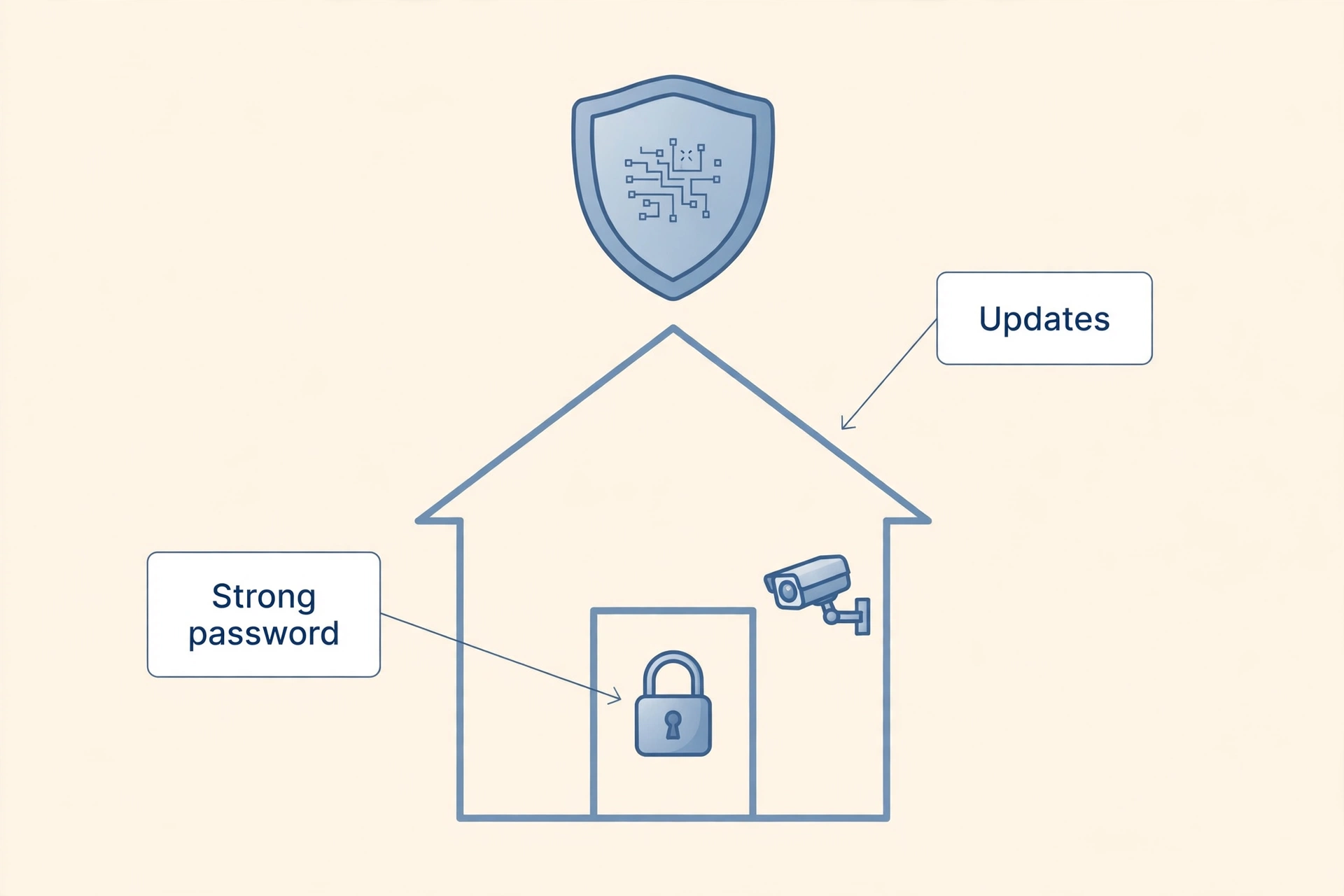
Integration concentrates a lot of information in one system, so security deserves real attention. Use a strong, unique password for your smart home account, switch on two-factor authentication, and review which third-party services have access every few months. Remove access for any service you no longer use.
For cameras and microphones, check the privacy settings in each maker’s app. Decide whether voice recordings are stored or deleted, whether cameras record continuously or only on motion, and who else in the household can view the feeds. Put cameras only where you would be comfortable being recorded yourself, and never in bedrooms or bathrooms.
Outdoor integration deserves the same care. A garden camera or smart watering controller extends the system beyond the walls, and it needs the same password and update habits as indoor devices. If your outdoor space includes pots and planters, our guide to balcony gardening for a small space and a big harvest shows how to make a small growing space thrive alongside its smart watering.
| Integration Layer | What It Means | Example |
|---|---|---|
| Connection | Every device joins the network and stays online | Bulbs and plugs on stable Wi-Fi in every room |
| Control | One app or voice assistant runs everything | One command dims lights and locks the door |
| Automation | Devices react to each other without you | Heating drops when the last person leaves |
| Standards | Devices from different brands work together | Matter devices joining any major ecosystem |
| Upkeep | Passwords, updates and access stay current | Monthly check of linked services and software |
Frequently Asked Questions
What is the easiest way to integrate smart technology into my home?
Pick one ecosystem, such as Alexa or Google Home, and buy only devices that carry its “Works with” label. Add a smart speaker first, then lights and plugs, and link every device into the one assistant app. That single discipline solves most integration problems before they start.
Do I need a hub to integrate smart devices?
Not always. Wi-Fi devices connect directly to your router and need no hub. You only need a hub if you use Zigbee, Z-Wave or Thread devices, such as battery sensors and some locks. Many modern smart speakers already contain a hub, so check your speaker before buying a separate one.
Will Matter devices work with my existing smart home?
In most cases, yes, as long as your ecosystem app supports Matter, which the major ones now do. Matter devices join your existing setup alongside older devices, so you can add them gradually without replacing anything that still works. Older non-Matter devices keep working exactly as before.
Can I integrate smart technology without rewiring?
Yes. Smart bulbs, plugs, battery cameras, stick-on sensors and smart speakers all integrate without any wiring changes. Rewiring is only needed for wired smart switches, wired doorbells or a fully wired camera system, and those are optional upgrades, not requirements.
How do I stop my smart home turning into a mess of apps?
Use your assistant’s app for daily control and keep makers’ apps only for deep settings. Apply the household rule that every new device must work with your chosen ecosystem, and remove devices and apps you have not used in three months. A short monthly tidy keeps the system simple.
How to Get Started with Smart Home: Your First Setup
[…] Related reading: What Are Smart Home Devices? A Beginner’s Guide and How to Integrate Smart Technology into Your Home […]
Making Your House a Smart Home: Room-by-Room Plan
[…] reading: How to Integrate Smart Technology into Your Home and Setting Up a Smart Home: The Complete […]